Tech team · DevSecOps

DevSecOps: ship fast with policies you can prove

DevSecOps is not a scanner bolted onto CI—it is how clusters enforce policy while teams deploy. FusioNative shows RBAC, admission-related events, GitOps releases, and audit exports from the same product your developers already navigate.

Security and delivery in one narrative

Connect delivery pipelines to live cluster policy state and exportable audit evidence.

Who needs this

  • DevSecOps engineers embedding controls in platform workflows
  • Application security teams reviewing Kubernetes posture
  • Release managers who need policy sign-off with evidence

Industry pressures (why change)

  • CI passes but cluster drift still fails audits
  • Security findings in tickets do not map to live objects
  • GitOps promotions lack a security checkpoint developers understand

Why FusioNative fits

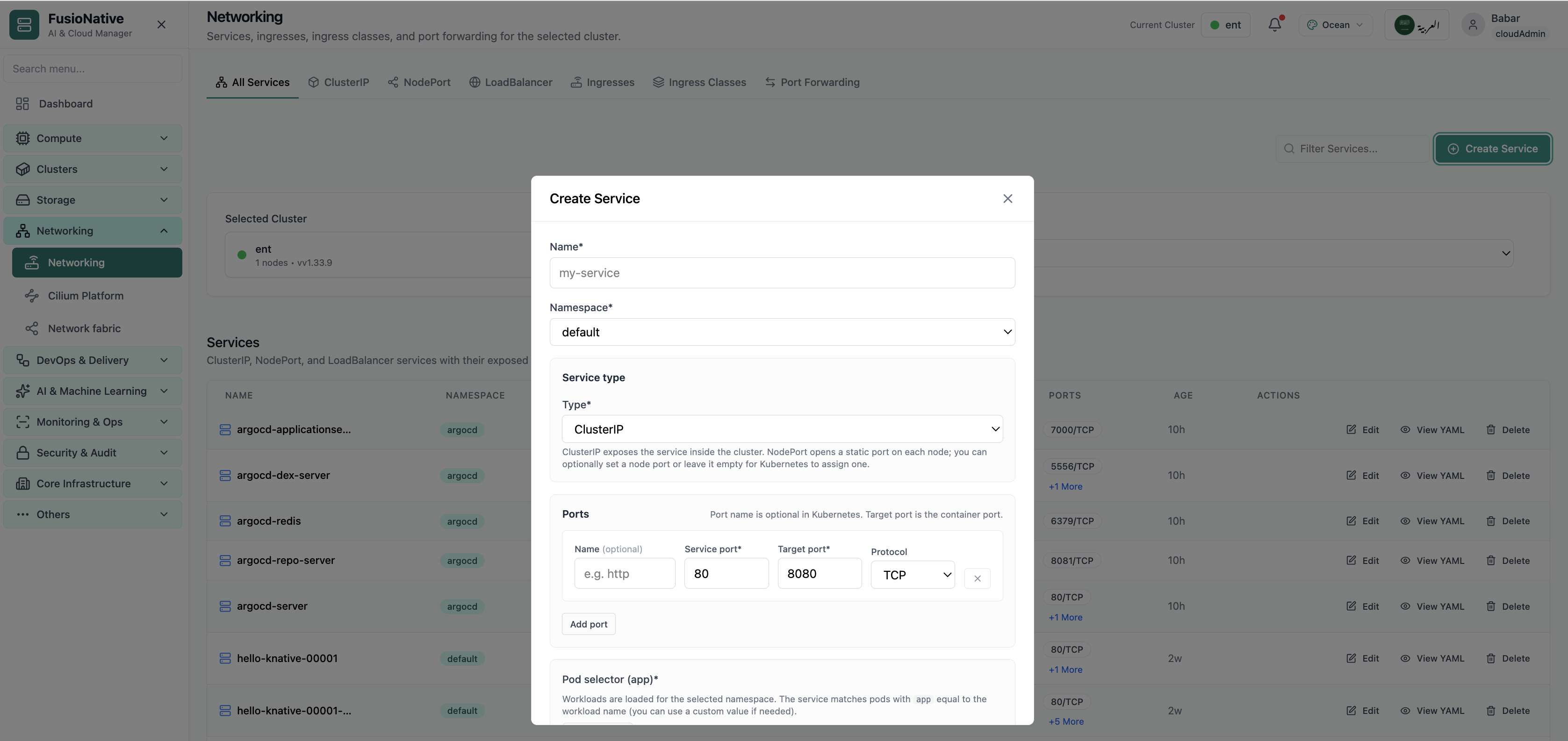
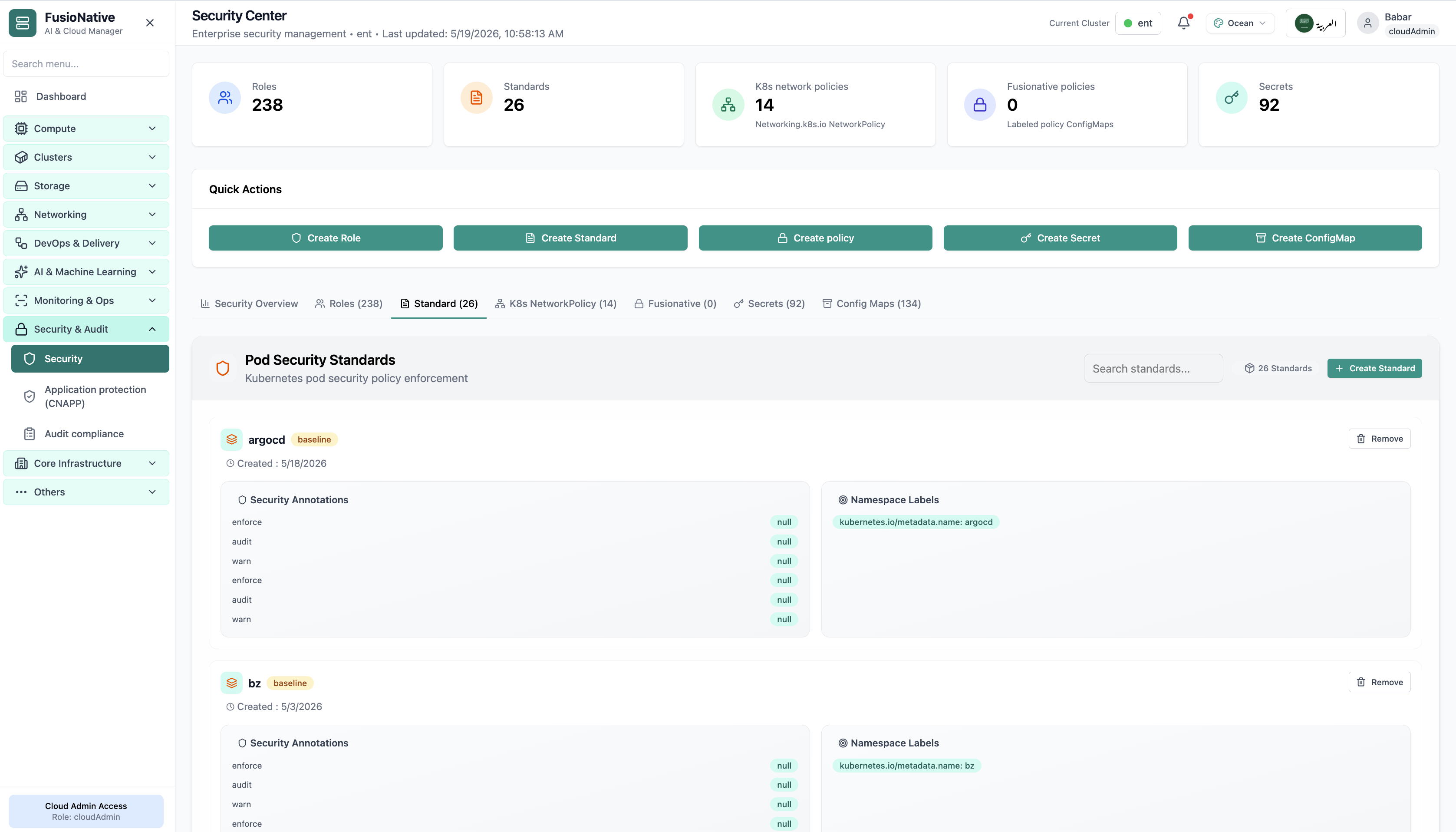
  • Security Center for roles, PSS, network policies, secrets
  • GitOps deployments show what actually reached each cluster
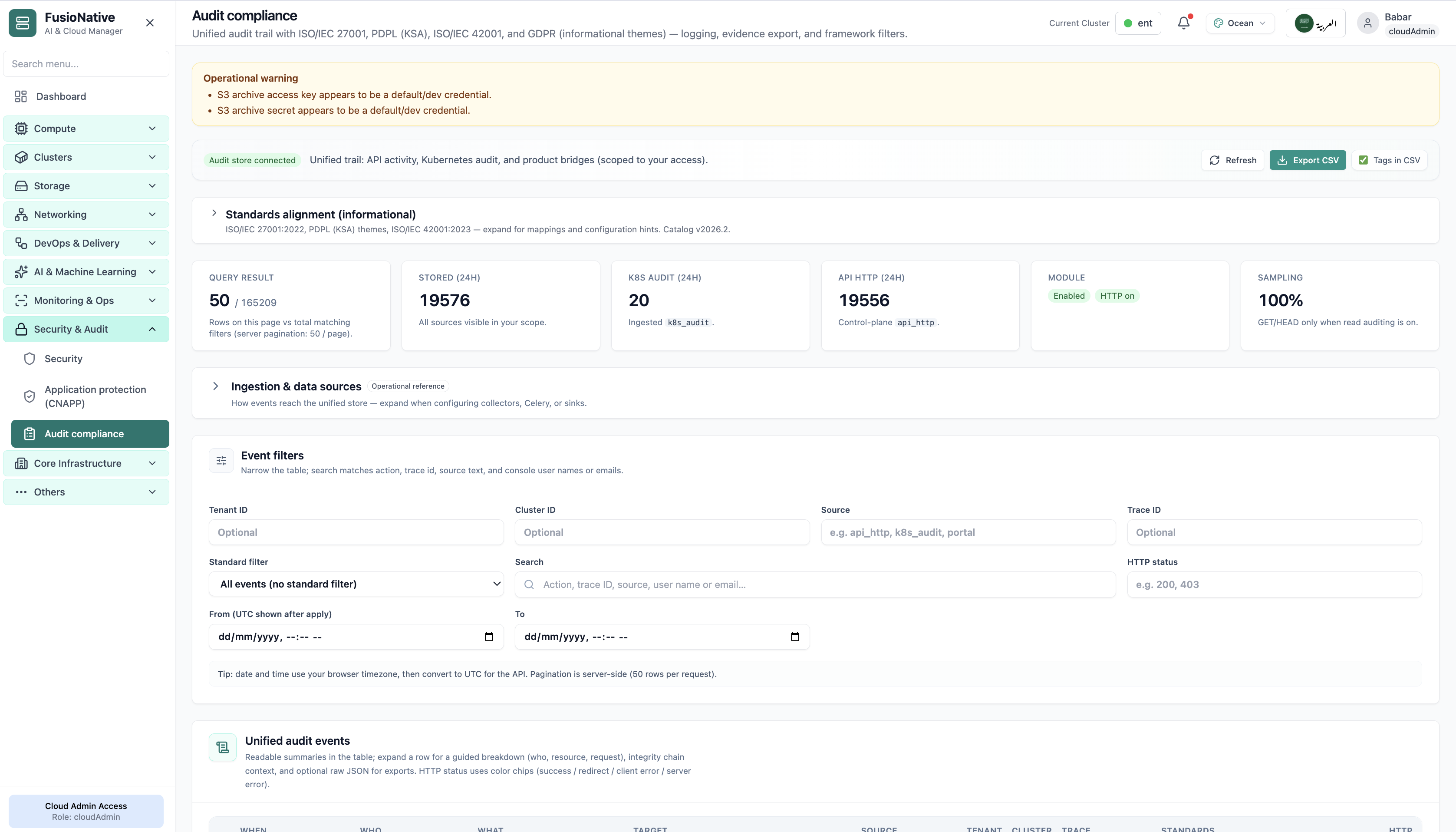
  • Audit compliance closes the loop for assessors

How teams adopt it

  1. Step 1. Baseline pod security and network policies per tier
  2. Step 2. Monitor cluster events for admission and policy failures on every deploy
  3. Step 3. Review GitOps sync status before production promote
  4. Step 4. Export audit trails per release window for compliance
In Cloud Admin

What DevSecOps teams see in the product

Real screens—how and why each view matters for your sector.
Pod Security Standards
01 of 03 Cloud Admin

Pod Security Standards

Enforcement view—prove restricted profiles land where policy expects.

  • PSS visibility
  • Guided remediation
  • Aligned with platform tiers

Click to zoom and pan the screenshot.

GitOps releases
02 of 03 Cloud Admin

GitOps releases

What shipped, where, and whether it synced—delivery evidence for security review.

  • Repo traceability
  • Sync truth
  • Per-cluster scope

Click to zoom and pan the screenshot.

Audit trail
03 of 03 Cloud Admin

Audit trail

Exportable events for the release window under review.

  • Framework filters
  • CSV export
  • Ties to tenant and cluster

Click to zoom and pan the screenshot.