Monitoring & Ops

Resources Map — cluster resource graph

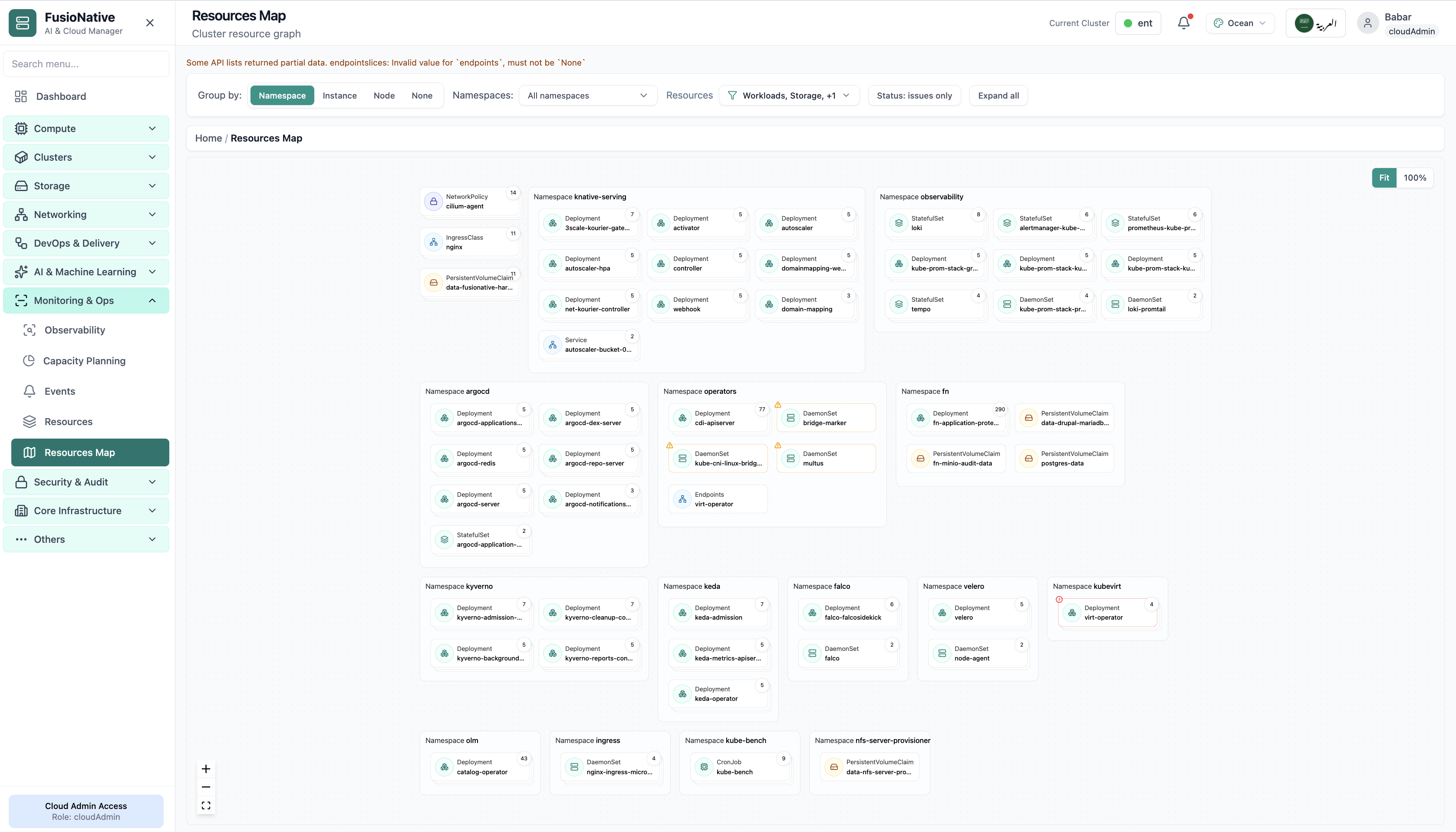
Open Monitoring & Ops → Resources Map for a spatial view of the cluster: namespaces as swimlanes, workload and storage cards inside each lane, and controls to group by namespace, instance, node, or none—plus namespace and resource-type filters, an Issues only toggle, expand/collapse, and zoom to fit.

Product walkthrough

See it in Cloud Admin

Every frame below is a real Cloud Admin screen—paired with plain-language context so you know what you are looking at and why it matters operationally.

Cluster resource topology graph by namespace.
01 of 01 Cloud Admin

Resources Map

Cluster resource topology graph by namespace. Real Cloud Admin UI for resources map—what operators see daily and what to do next.

  • Matches the live Cloud Admin layout your teams will use
  • Dense data stays readable at full size (click to zoom)
  • Fits into the broader FusioNative operational workflow

Click the screenshot to open full size, zoom, and pan.

Living diagram

Make the API graph legible at fleet scale

Resources Map is for the moment when everyone asks “what shares that namespace?”—grouping, filters, and issue-only mode answer it without exporting a dozen kubectl transcripts.

Honest partial data

When list APIs return slices or validation warnings, the UI can surface them—so “empty” never means “healthy” by accident.

Issues-only triage

Flip to degraded cards only during incidents; expand all when you need the full context for a change window.

Same cluster, same story

The map respects the cluster picker used across Monitoring & Ops—no duplicate “which kubeconfig am I holding?” moments.